How to Check Blog Ranking and Improve Website SEO Rankings Fast
Checking your blog ranking is essential to understanding how your website is performing in search engine results pages (SERPs). In this tutorial, you will learn how to check your website ranking, track your progress, and improve your SEO rankings fast. By following these steps, you'll be able to identify areas for improvement, optimize your content, and increase your online visibility. Whether you're a beginner or an experienced blogger, this guide will provide you with the tools and knowledge you need to boost your website's ranking and drive more traffic to your site.
Step 1: Choose a Reliable SEO Ranking Tool
To check your blog ranking, you'll need to use a reliable SEO ranking tool. There are many options available, including Google Search Console, Ahrefs, SEMrush, and Moz. When choosing a tool, consider factors such as accuracy, ease of use, and features. For example, Google Search Console is a free tool that provides valuable insights into your website's performance, while Ahrefs offers a comprehensive suite of SEO tools, including keyword research, backlink analysis, and content optimization. 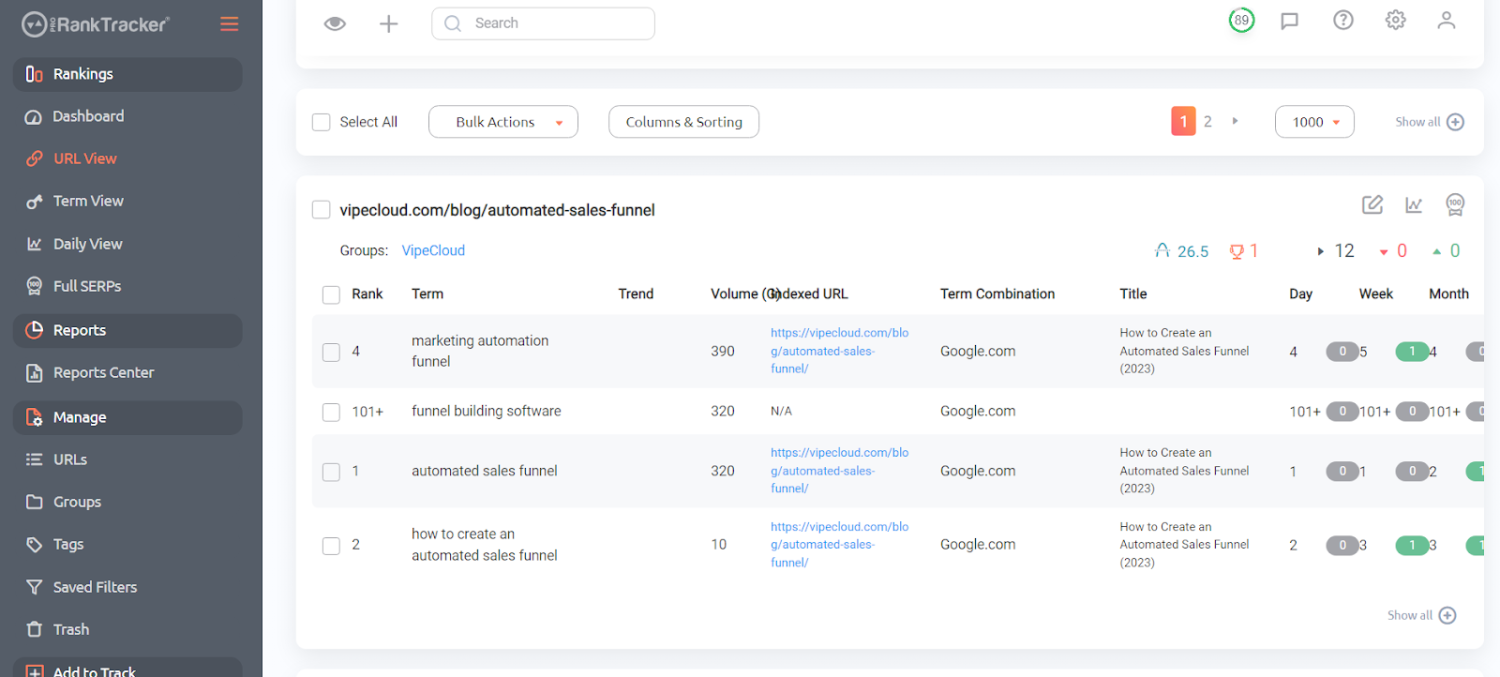
Step 2: Set Up Your SEO Ranking Tool
Once you've chosen your SEO ranking tool, you'll need to set it up. This typically involves creating an account, verifying your website, and configuring your settings. For example, with Google Search Console, you'll need to verify your website by adding a meta tag or HTML file to your site. With Ahrefs, you'll need to create an account, add your website, and set up your keyword tracking. Be sure to follow the instructions carefully and take advantage of any tutorials or guides provided by the tool. 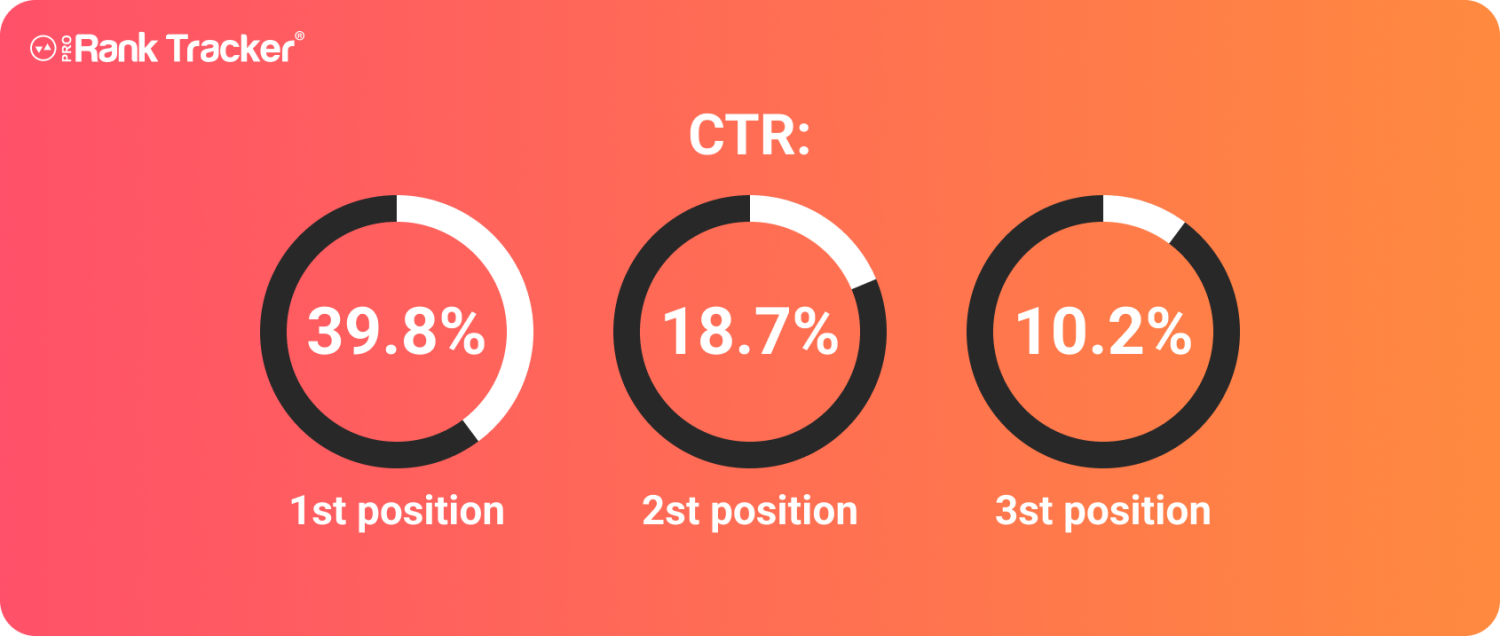
Step 3: Identify Your Target Keywords
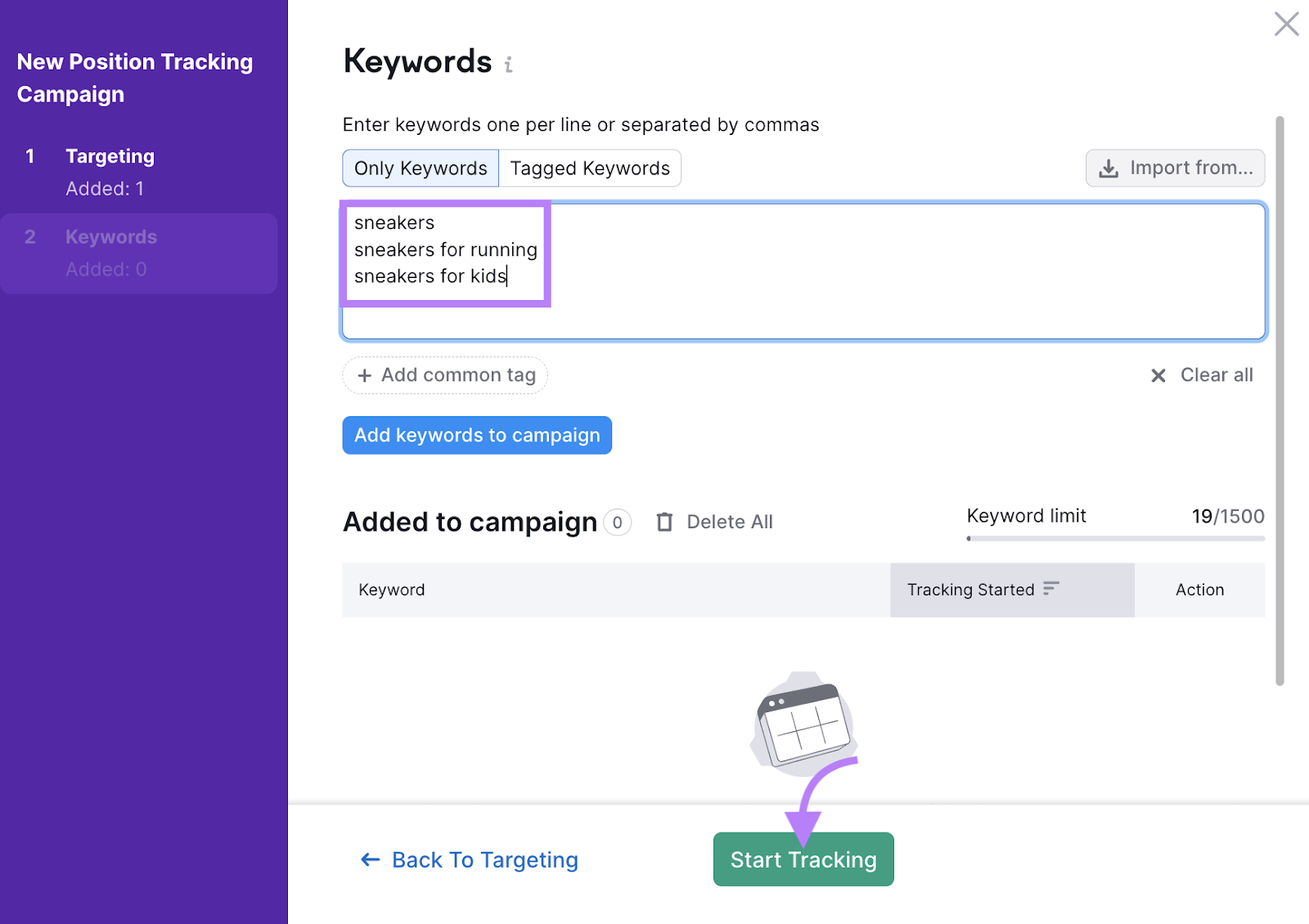
To check your blog ranking, you'll need to identify your target keywords. These are the keywords and phrases that you want to rank for in search engine results pages. Brainstorm a list of relevant keywords and phrases, and then use your SEO ranking tool to analyze their popularity and competition. For example, if you're a fashion blogger, your target keywords might include "fashion trends," "style tips," and "beauty advice." Be sure to choose keywords that are relevant to your content and have a reasonable level of competition.
Step 4: Track Your Website Ranking
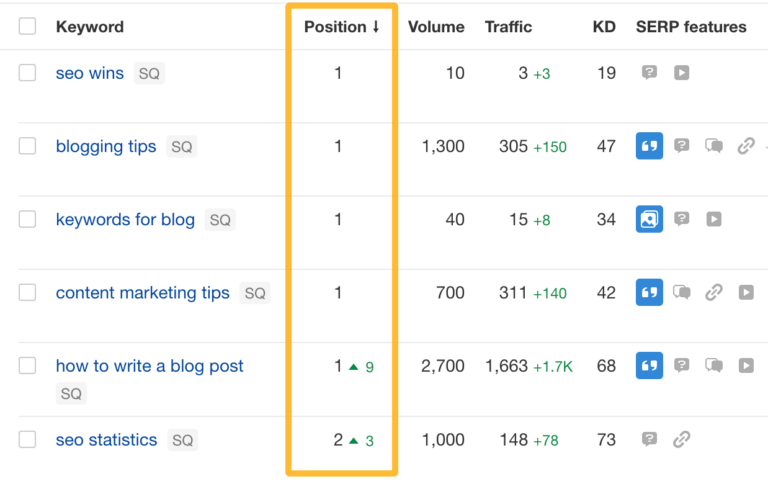
Once you've set up your SEO ranking tool and identified your target keywords, you can start tracking your website ranking. This involves monitoring your position in search engine results pages for your target keywords. Use your SEO ranking tool to track your progress over time, and adjust your strategy as needed. For example, if you notice that your ranking is dropping for a particular keyword, you may need to optimize your content or build more backlinks to your site.
Step 5: Analyze Your Website's Performance
To improve your blog ranking, you'll need to analyze your website's performance. This involves looking at metrics such as page views, bounce rate, and conversion rate. Use your SEO ranking tool to identify areas for improvement, and then make data-driven decisions to optimize your content and user experience. For example, if you notice that your bounce rate is high, you may need to improve your content quality or simplify your navigation.
Step 6: Optimize Your Content
Optimizing your content is essential to improving your blog ranking. This involves using your target keywords strategically, creating high-quality and engaging content, and optimizing your meta tags and titles. Use your SEO ranking tool to identify areas for improvement, and then make data-driven decisions to optimize your content. For example, if you notice that your content is not ranking for a particular keyword, you may need to add more relevant keywords or phrases to your content.
Step 7: Build High-Quality Backlinks
Building high-quality backlinks is essential to improving your blog ranking. This involves creating valuable and relevant content that other websites will want to link to. Use your SEO ranking tool to identify opportunities for building backlinks, and then reach out to other websites to request links. For example, if you've created a comprehensive guide to fashion trends, you may want to reach out to other fashion bloggers or websites to request links.
Step 8: Monitor and Adjust
Finally, to improve your blog ranking, you'll need to monitor and adjust your strategy over time. This involves tracking your progress, identifying areas for improvement, and making data-driven decisions to optimize your content and user experience. Use your SEO ranking tool to stay on top of your website's performance, and adjust your strategy as needed to achieve your goals.
Frequently Asked Questions
Q: How often should I check my website ranking?
A: You should check your website ranking regularly, ideally once a week or once a month, to track your progress and identify areas for improvement.
Q: What is the best SEO ranking tool?
A: The best SEO ranking tool will depend on your specific needs and goals. Popular options include Google Search Console, Ahrefs, SEMrush, and Moz.
Q: How can I improve my blog ranking fast?
A: To improve your blog ranking fast, focus on creating high-quality and relevant content, building high-quality backlinks, and optimizing your meta tags and titles. Use your SEO ranking tool to identify areas for improvement and make data-driven decisions to optimize your content and user experience.
How To Check Google Rankings: 4 Easy Tools
How to Check Google Rankings: 4 Easy Tools
Website Ranking 101: How To Check & Improve Your Positions

Website Ranking 101: How to Check & Improve Your Positions
Website Ranking 101: How To Check & Improve Your Positions
Website Ranking 101: How to Check & Improve Your Positions